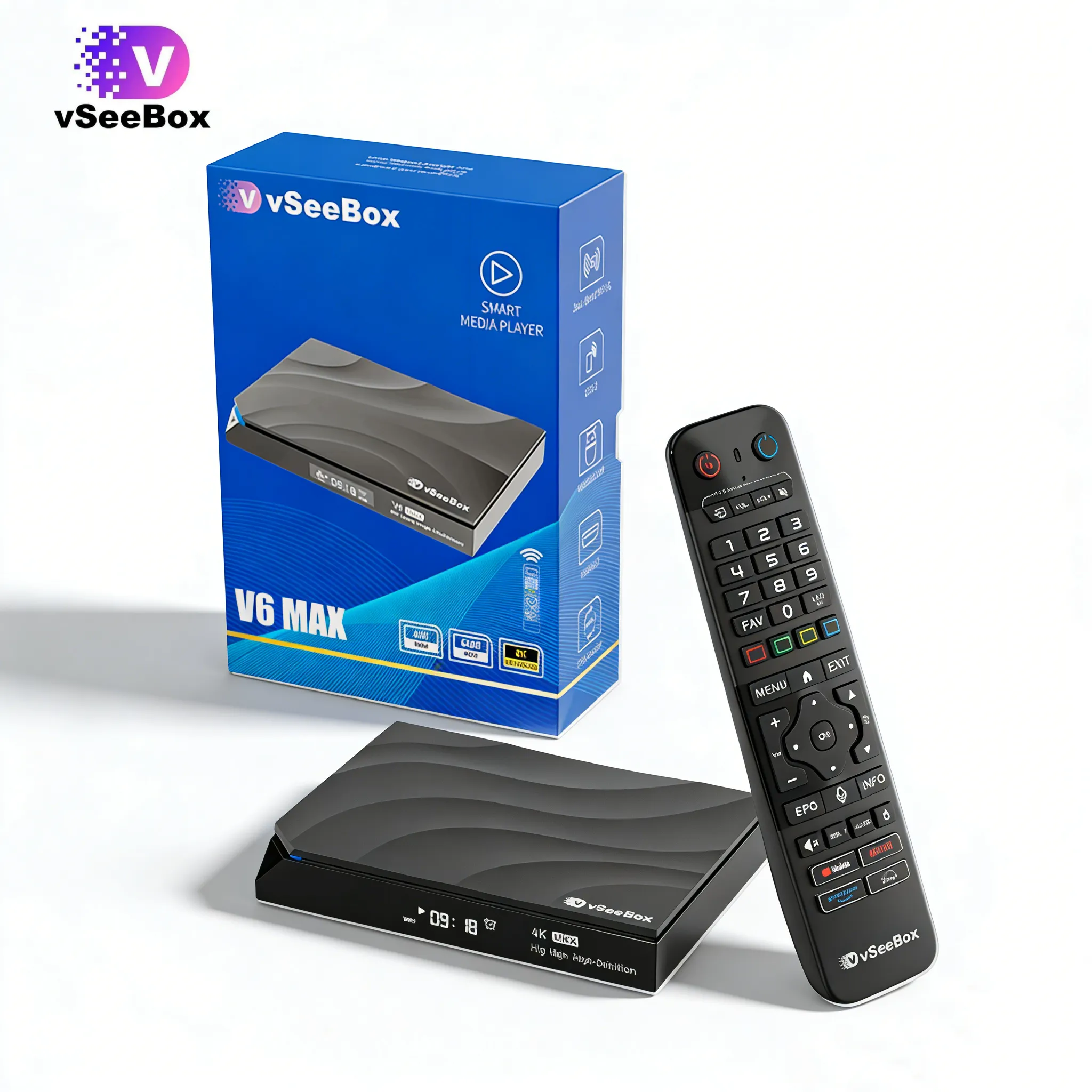
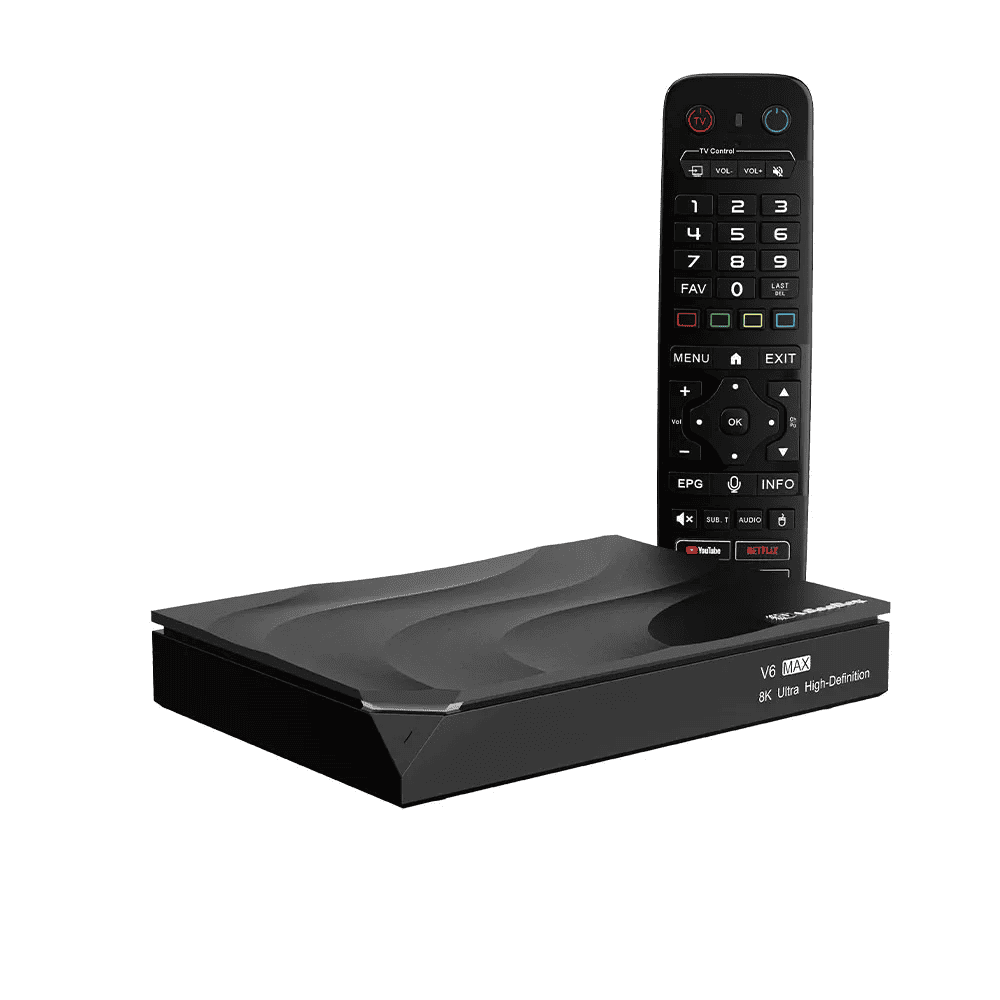
Yes. We specialize in genuine vSeeBox products sourced through Official channels.
Every order includes an official product backed by our warranty and customer support.
We accept major credit cards, PayPal, American Express, Diners Club, Discover, JCB, Mastercard,
VISA, Apple Pay, Google Pay, and other secure payment methods available during checkout.
Yes. All transactions are protected using industry-standard SSL encryption to keep your payment information safe.
If your order has not yet shipped, please contact our support team as soon as possible. We'll do our best to update or cancel your order.
A payment may be declined for several reasons, including incorrect billing information, insufficient funds, card security restrictions, or verification issues from your financial institution. Please verify your payment details or contact your card issuer for additional assistance.
In most cases, only one payment method can be used for each order. If you have questions about payment options, please contact our customer support team before completing your purchase.
No. You may complete your purchase as a guest if guest checkout is available. Creating an account allows you to view your order history, save your shipping information, and enjoy a faster checkout experience for future purchases.
If you have any questions about your order, our customer support team is here to help.
You can contact us through our Contact Us page, email us at vseeboxplus1@gmail.com, or reach us on WhatsApp: +1 (213) 422-0167.
To help us assist you as quickly as possible, please include your order number and a brief description of your question or concern. Our team will respond as soon as possible during business hours.
Yes. You can use the coupon code VSEEBOXPLUS50 to receive $50 off qualifying orders of $200 or more.
Simply enter VSEEBOXPLUS50 during checkout and click Apply before completing your payment.
The discount will be reflected in your order total once the promotion requirements are met.
A discount code may not apply if:
Your order does not meet the minimum purchase requirement.If you believe your code should work, please contact our customer support team before completing your purchase.
Using your discount is easy.
Once the coupon is accepted, the discount will be automatically applied to your order total.
Most orders are delivered within 2–7 business days after shipment. Delivery times may vary depending on your location and the carrier's schedule.
Yes. During checkout, you can choose to add Seel Shipping Protection to your order.
This optional service helps protect your purchase against eligible shipping issues, including lost packages, transit damage, and qualifying delivery delays.
Coverage is subject to Seel's terms and conditions.
Yes. We offer a 30-day return policy for eligible products.
If your purchase isn't the right fit, you may request a return within 30 days of receiving your order.
Returned items should include all original accessories and packaging whenever possible.
If you purchased Seel Shipping Protection, you may be eligible to receive:
A $5 compensation for qualifying delivery delays.If you experience any shipping issue, please contact us with your order number, and we'll help guide you through the next steps.
Yes. our vSeeBox products purchased from our store include a 1-Year Limited Warranty covering manufacturing defects under normal use.
You can save frequently used items to your Favorites for quicker access.
Highlight the item you want to save, then press and hold the OK button on your remote. Once the item has been added successfully, a heart icon will appear on the screen.
To remove it later, repeat the same action while the item is selected.
Your saved Favorites can be accessed from the Favorites section on the home screen.
To remove an item, open your Favorites list, highlight the item, and press the Menu button on the remote. Select the available option to remove it from the list.
To connect your Bluetooth remote for the first time:
Once connected, your remote will be ready for normal use.
If your device is not responding as expected after the initial setup, try the following steps:
If the issue continues, performing a factory reset may help restore the system to its default configuration.
If you still need assistance, please contact our customer support team for further troubleshooting.
If multiple audio languages are available, you can switch between them during playback.
Press the Menu button on your remote, open the Audio or Language settings, and select your preferred language from the available options.
Yes, vSeeBox is a legal Android-based media player designed for home entertainment. The device itself is legal to purchase and use in the United States and other supported regions.
vSeeBox works as a smart media device that allows users to access content through authorized services and compatible sources. Users should always make sure that the content they access follows applicable copyright laws and local regulations.
Like any internet-connected device, responsible use is important. We recommend using vSeeBox with legitimate content providers and services to enjoy a safe and reliable entertainment experience.







loading


.jpg?w=2048&h=2048)
-0.jpg?w=2048&h=2048)